 01
01A little color. A story to remember.
Free Daniel and the Lions’ Den Coloring Pages
Explore Daniel’s story through six original coloring designs, from prayer and the lions’ den to a joyful rescue. Choose a scene, download a light PDF, and read the story together.
ZIP · 422 KB · 6 PDFs + collection PDF
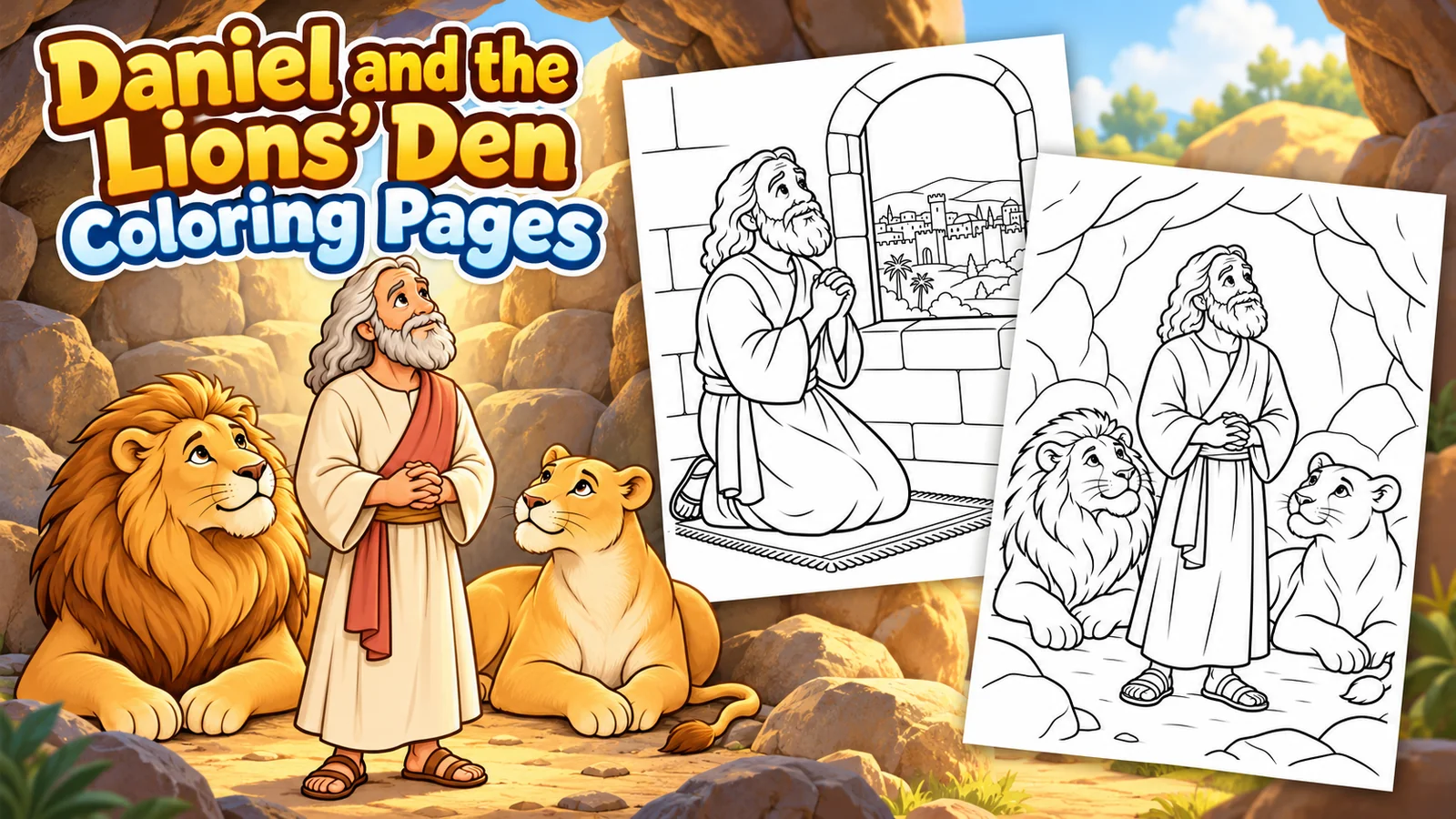 Choose a scene. Make it your own.
- In the collection
- 6 coloring designs
- File types
- 6 PDFs
- Original PDF sizes
- A4
- Ready when you are
- Free to download
Find a favorite
How to print ↓Pick a coloring page
Download one design or collect them all. “Open to print” opens the file in a new tab, where you can use your browser or PDF viewer’s print button.
From screen to coloring table
Print, color, and enjoy.
Original PDF sizes: A4. Choose your paper size and use “Fit to page” when needed.
- Choose your designDownload an individual file, or download the ZIP and extract the collection first.
- Open and printOpen the downloaded file, then choose Print in your browser or viewer.
- Fit it to your paperSelect the orientation and paper size that suit the design, then “Fit to page.” Check the preview before printing.
About these coloring pages
Read and color Daniel’s story
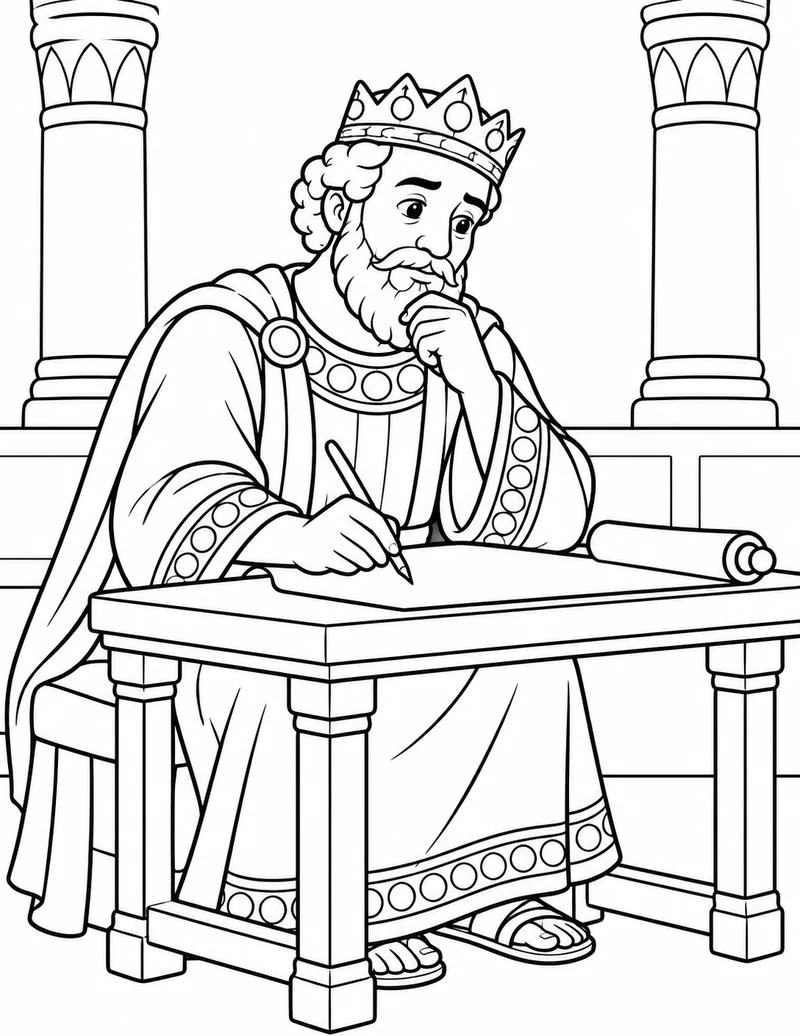
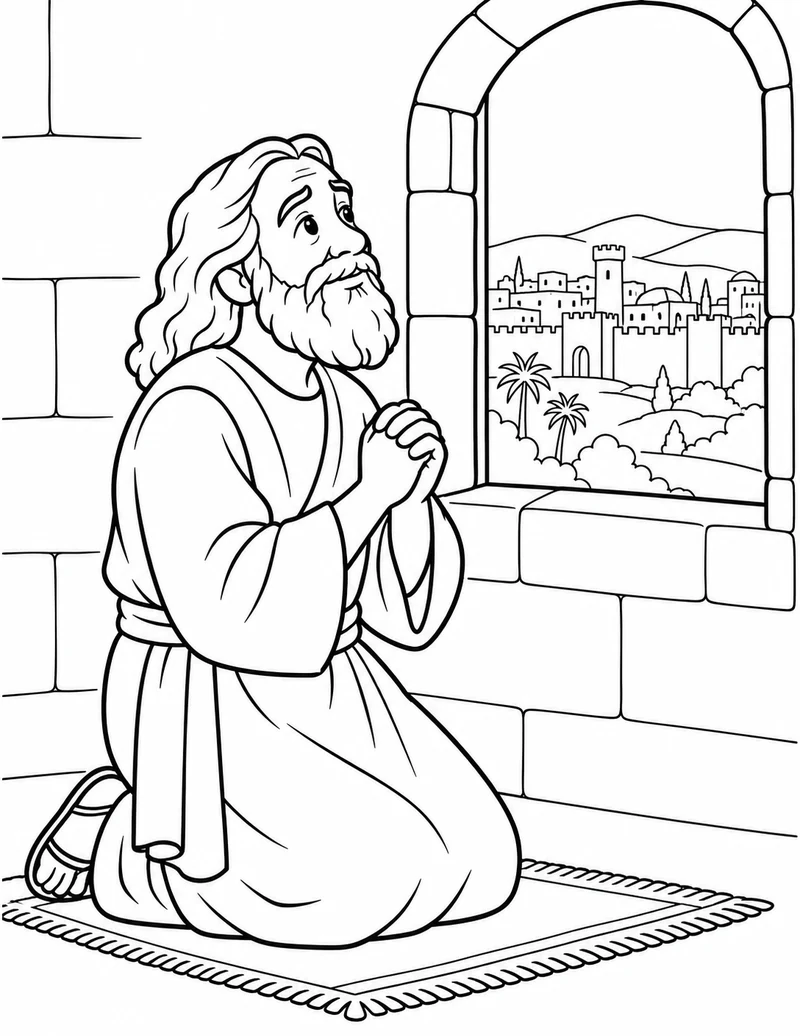
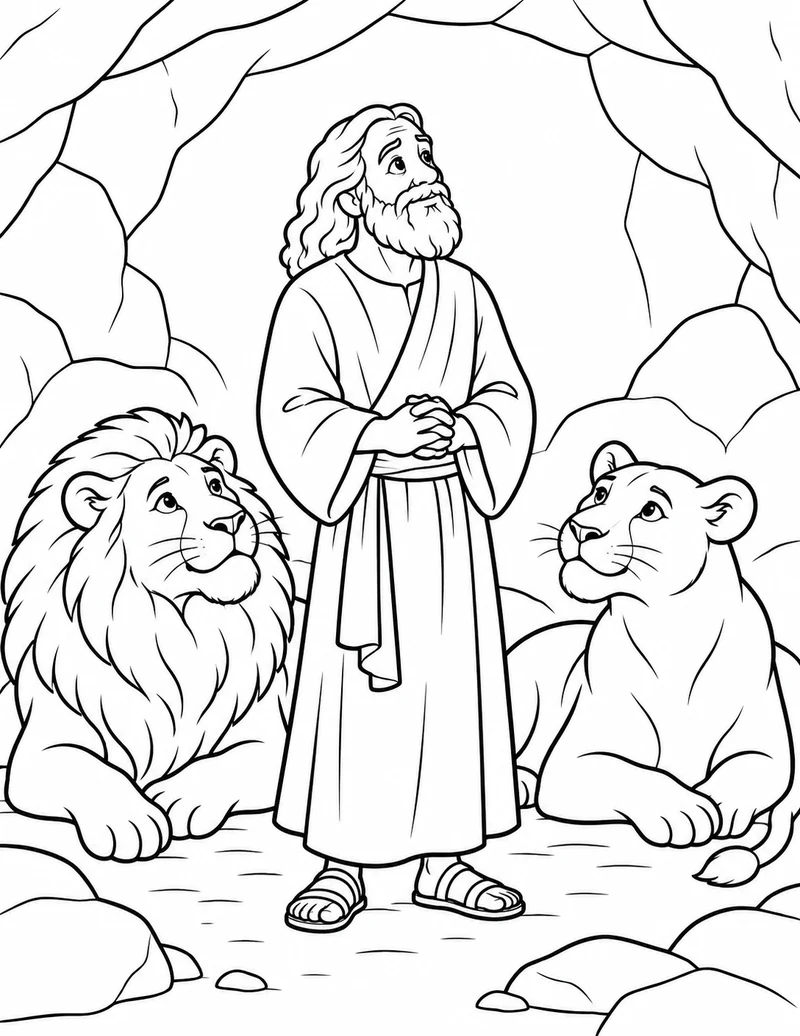
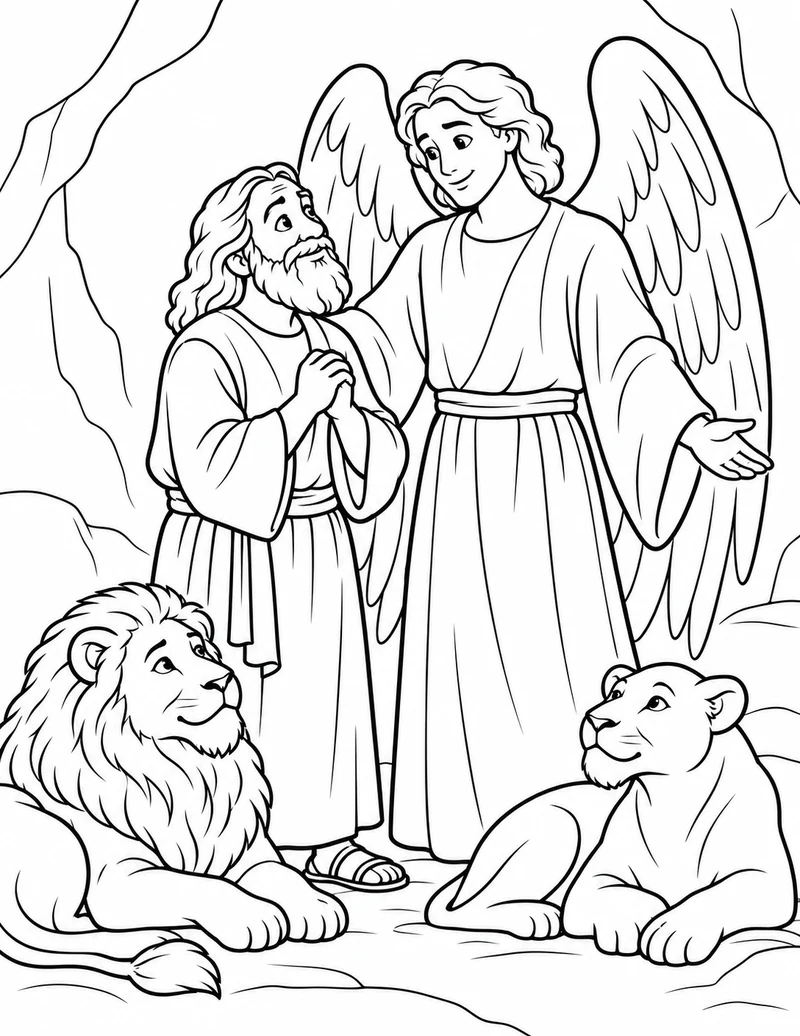
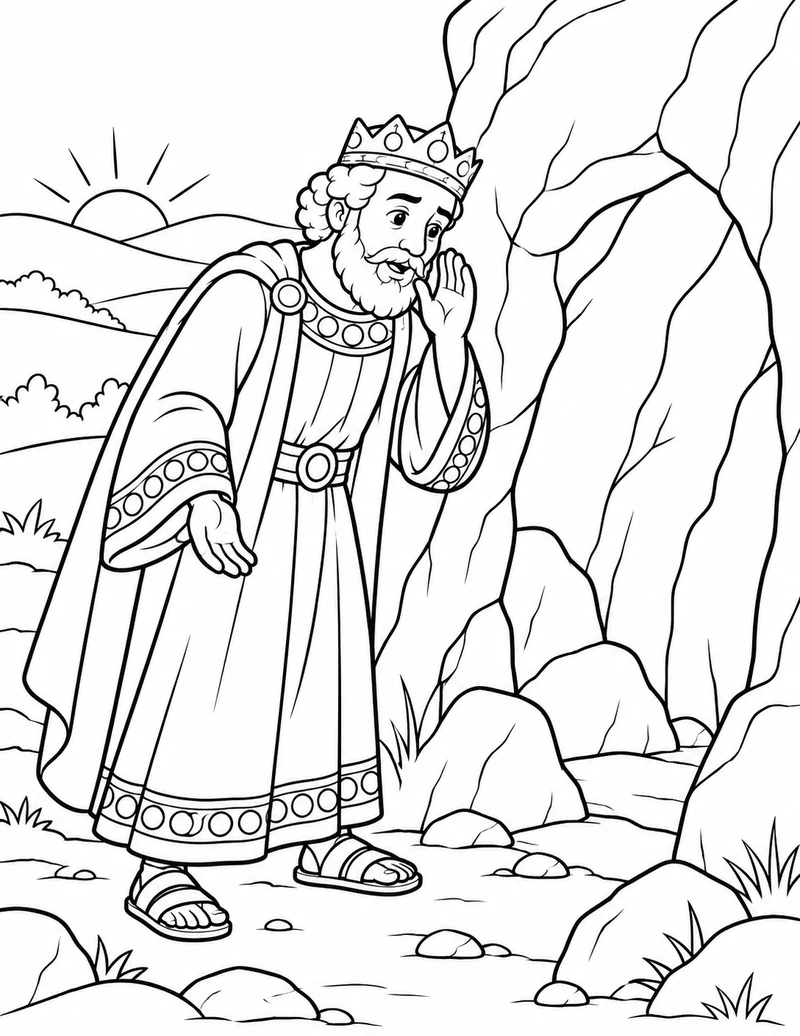
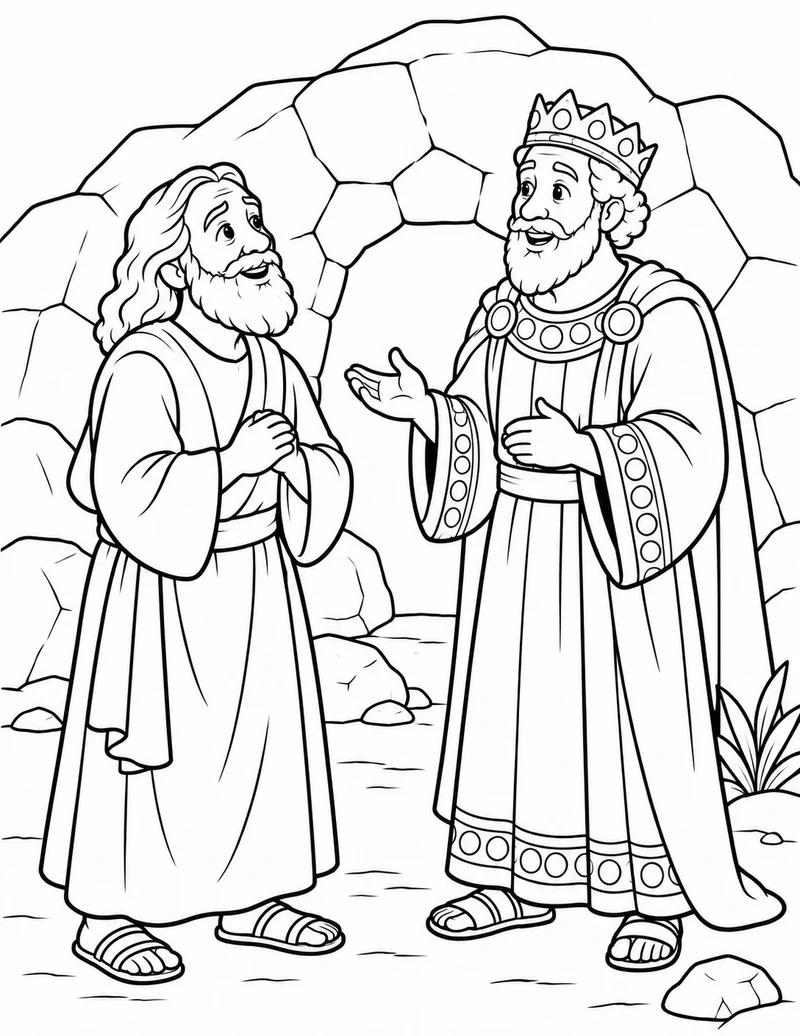
These designs are for children and families to share while reading Daniel 6. The pictures follow the king’s decree, Daniel’s continued prayer, his time in the den and his safe return.
In this account, Daniel says that God sent an angel and shut the lions’ mouths. The angel, clothing and stone den are artistic representations; the passage does not give their exact appearance.
Talk together
What did Daniel continue doing after the decree? How did the king respond when Daniel was brought out safely? Younger children can choose a single scene, while older children may put all six pictures in story order.
For the fuller reading resource, visit Daniel and the Lions’ Den Bible Story for Kids.
A few helpful answers
Can I download just one coloring page?
Yes. Each design has its own download link. The ZIP lets you save the collection at once.
Which file formats are included?
This collection contains 6 PDFs. Each download button shows the file type.
Which paper size should I use?
The original PDFs use A4. Choose the paper size in your printer and check “Fit to page” and the print preview.