 01
01Elijah gathers the people
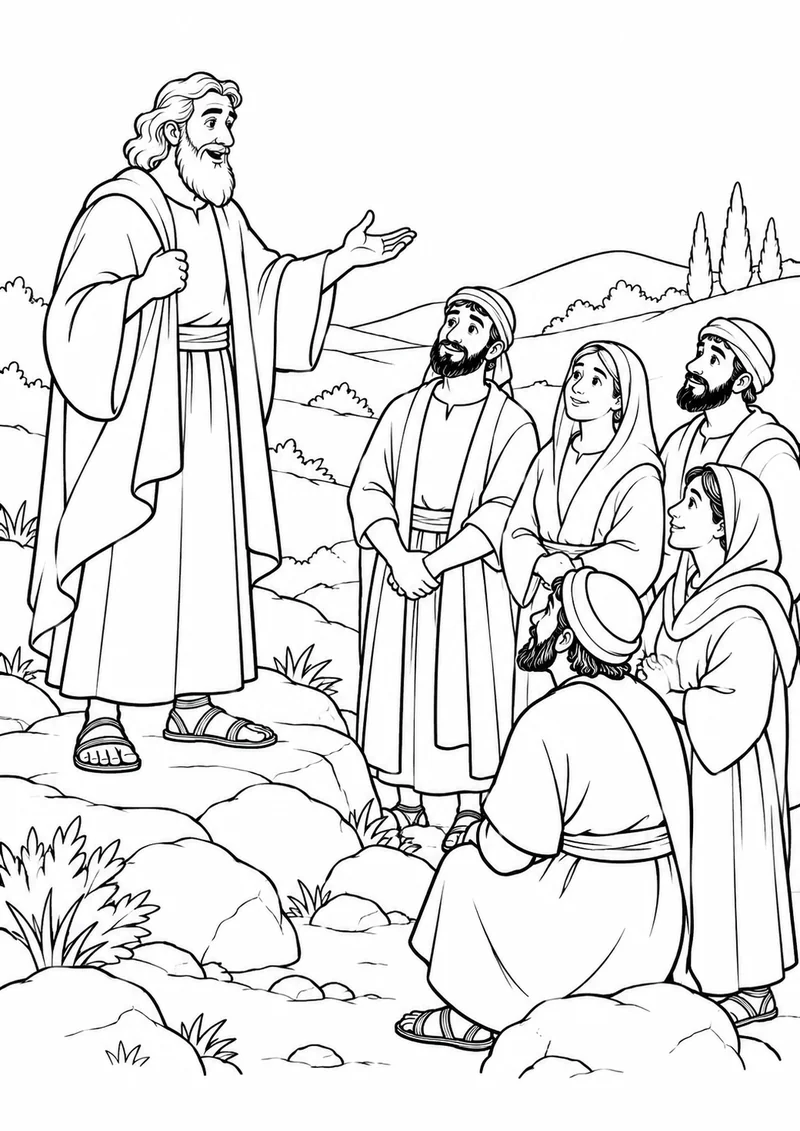
Elijah asks the people on Mount Carmel to follow the true God. 1 Kings 18:20-24.

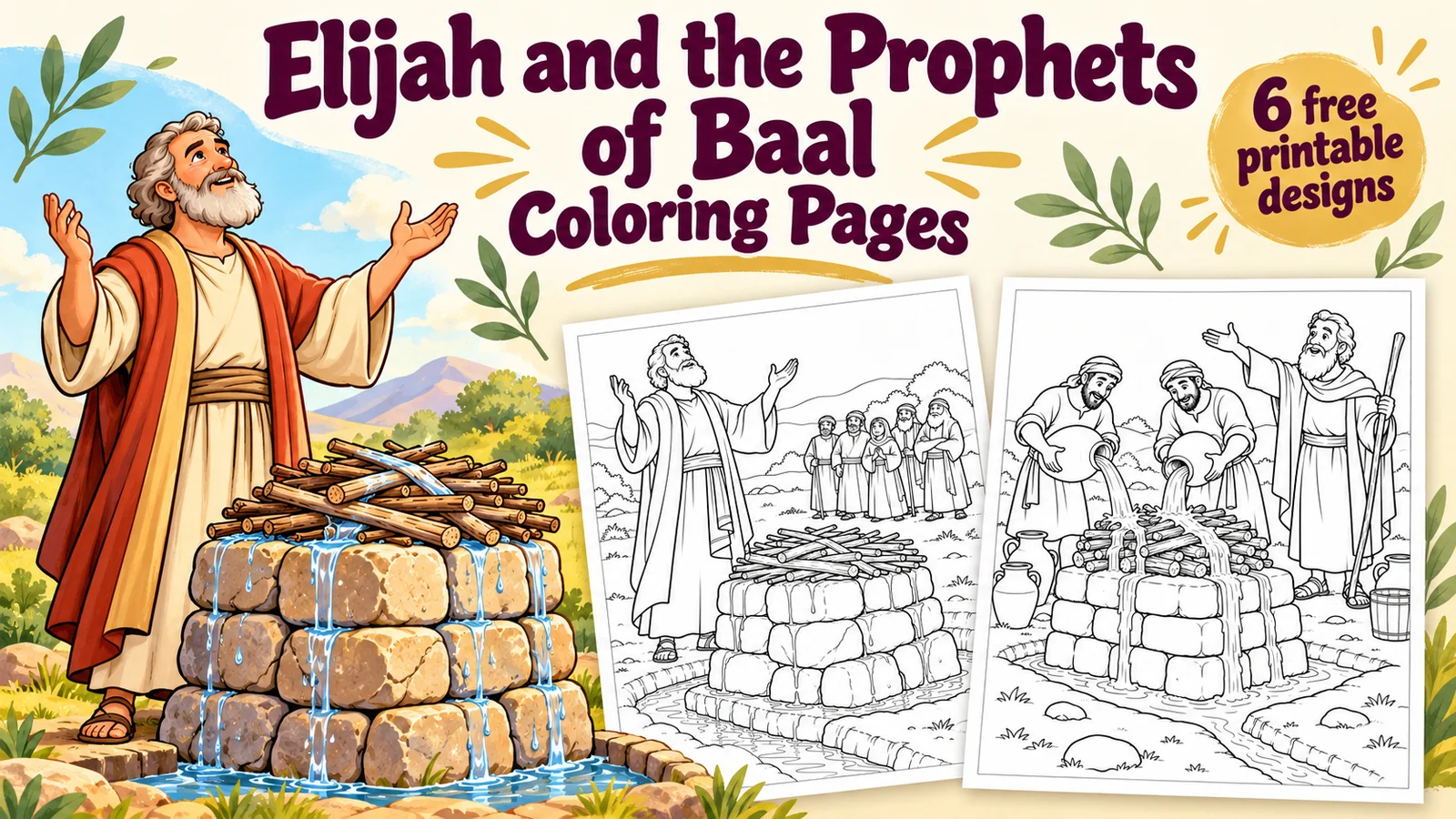
Download six free Elijah and the prophets of Baal coloring pages. Follow Mount Carmel in 1 Kings 18 with individual A4 PDFs and a complete pack.
ZIP · 473 KB · 6 PDFs + collection PDF
 Choose a scene. Make it your own.
Download one design or collect them all. “Open to print” opens the file in a new tab, where you can use your browser or PDF viewer’s print button.
01Elijah asks the people on Mount Carmel to follow the true God. 1 Kings 18:20-24.
 02
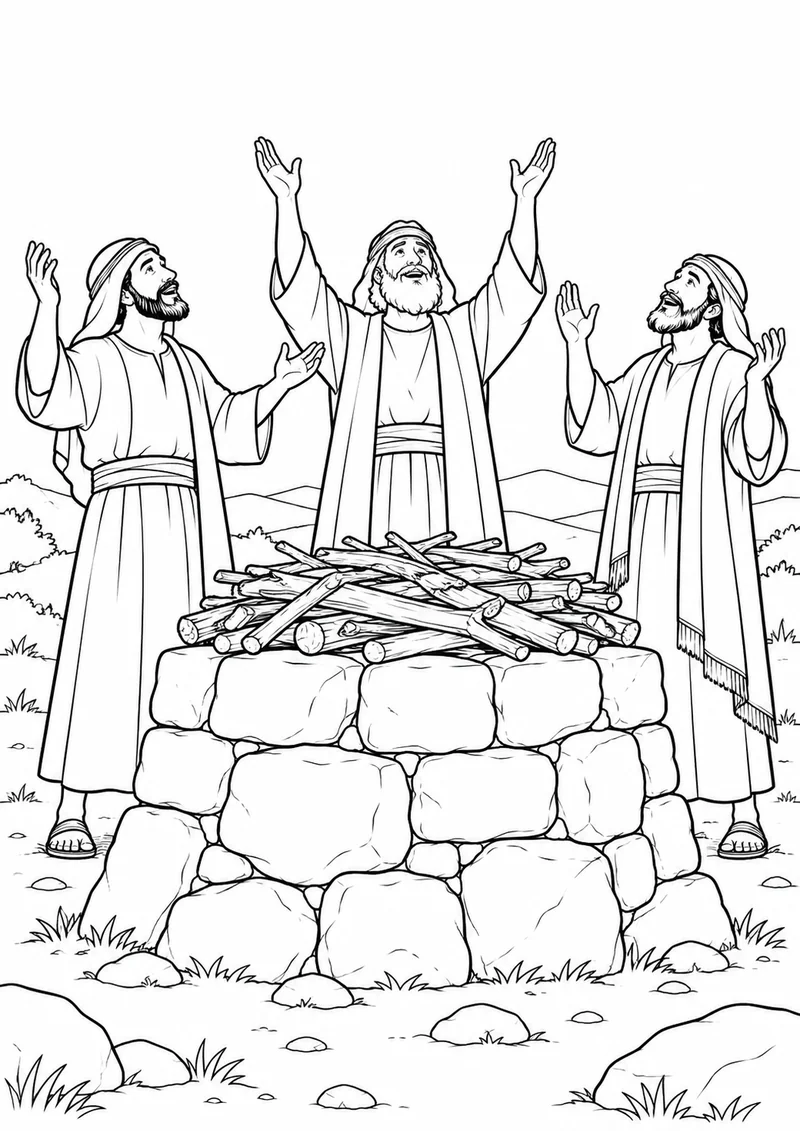
02The prophets call to Baal, but there is no answer. 1 Kings 18:25-29.
 03
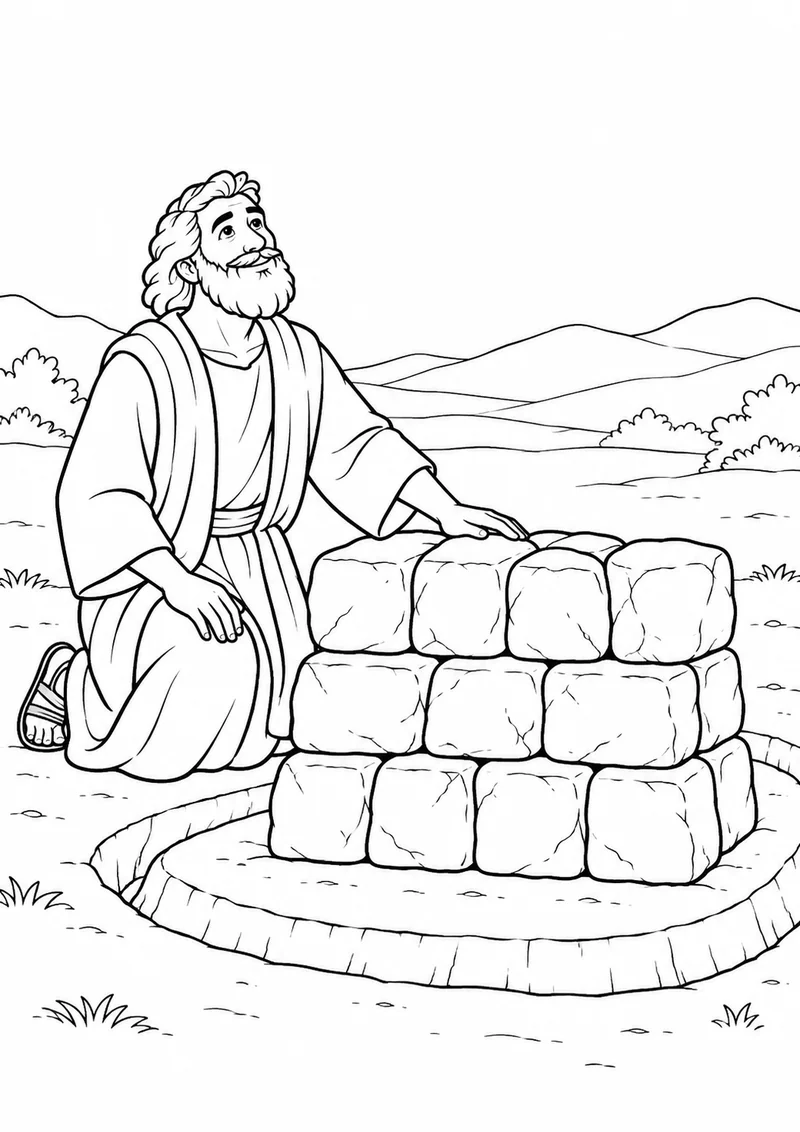
03Elijah repairs the Lord's altar using twelve stones. 1 Kings 18:30-32.
 04
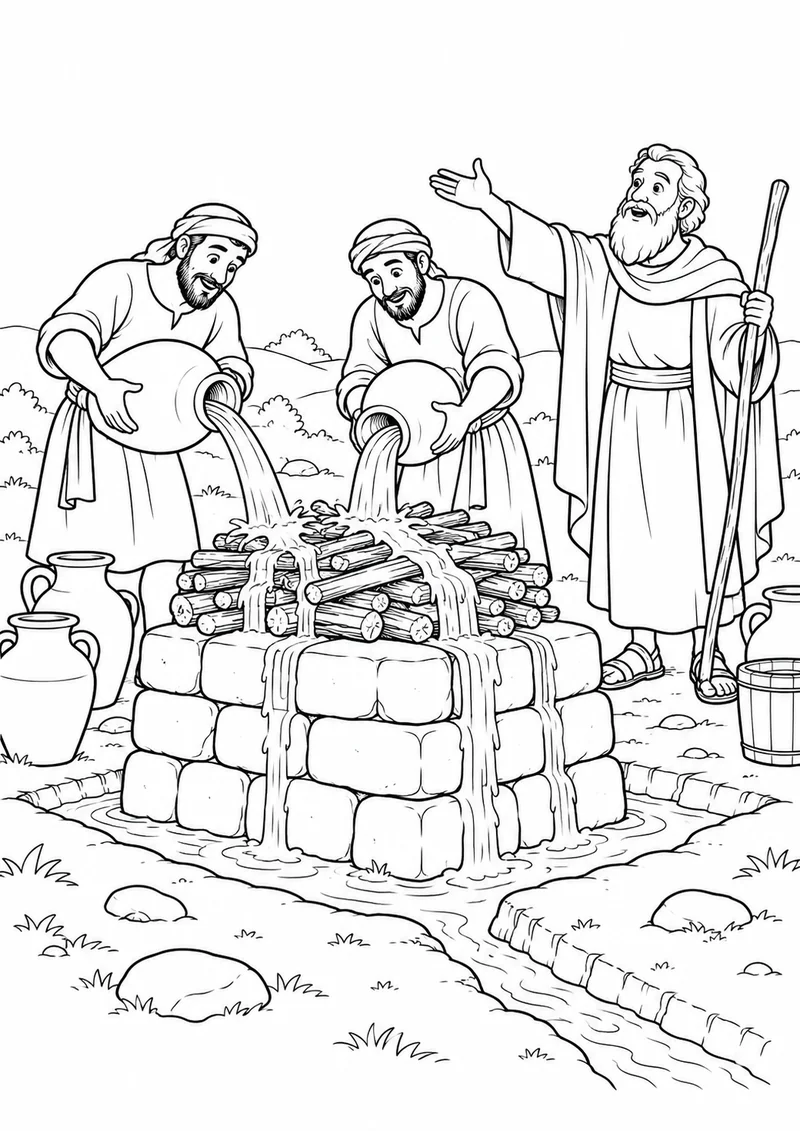
04At Elijah's direction, water is poured over the offering and wood three times. 1 Kings 18:33-35.
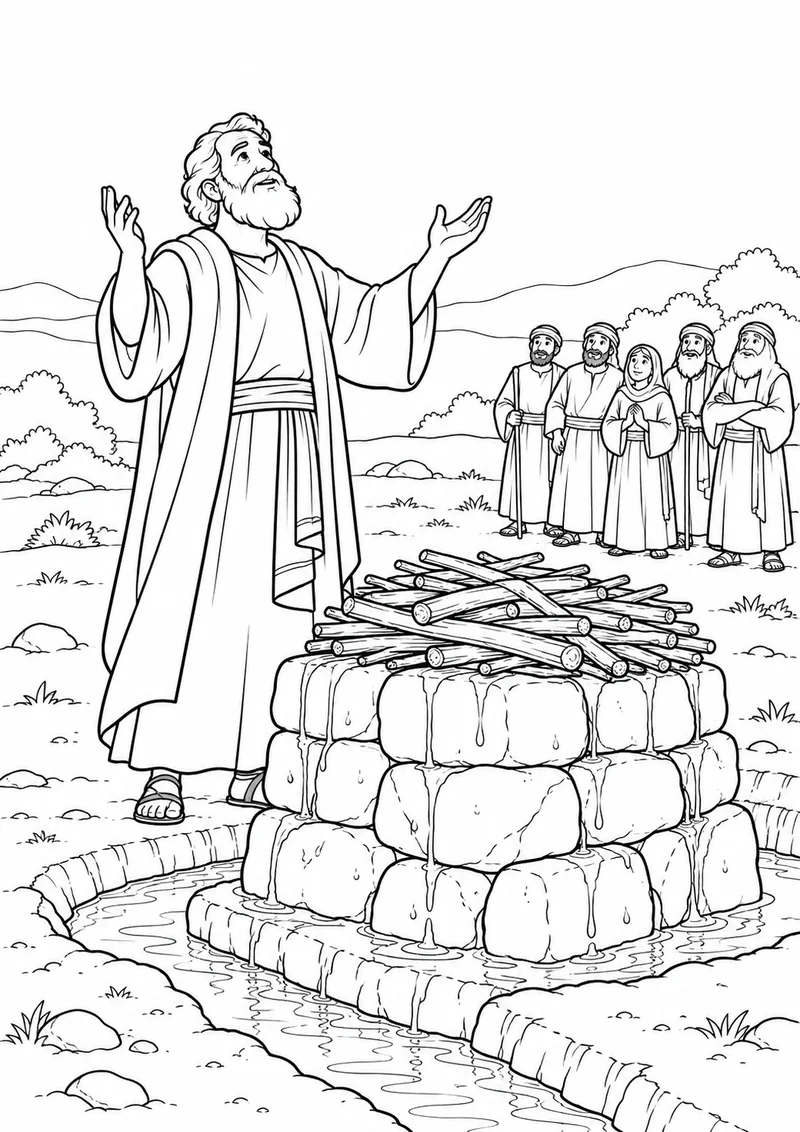 05
05Elijah prays that the people will know the Lord is God. 1 Kings 18:36-37.
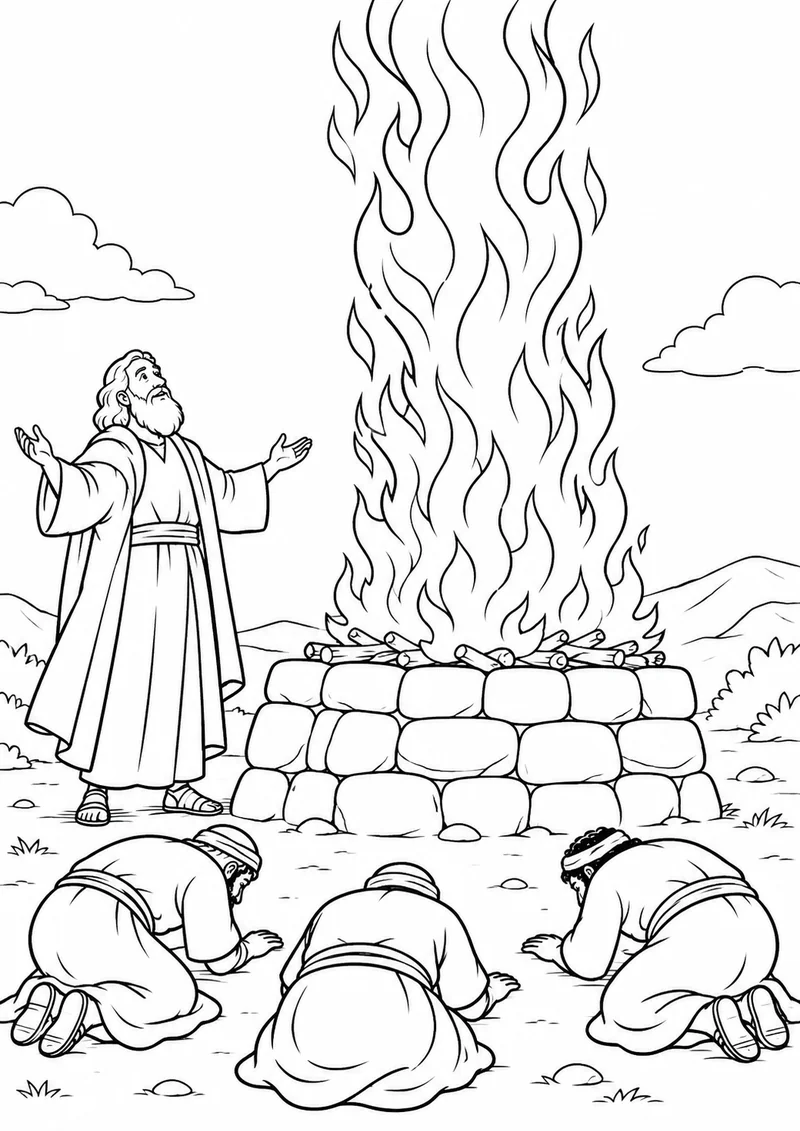 06
06The Lord answers with fire, and the people bow down and acknowledge him. 1 Kings 18:38-39.
Original PDF sizes: A4. Choose your paper size and use “Fit to page” when needed.
These Elijah and the prophets of Baal coloring pages follow 1 Kings 18:17-39. Six scenes take children through the gathering, the prophets' unanswered calls, Elijah's repaired altar, the water, his prayer and the people's response when God answers.
The sequence helps make the order clear. Elijah repairs the Lord's altar using twelve stones. Water is poured over the offering and wood three times before he prays. The final picture shows the fire and the people bowing down. The small groups in the drawings represent the much larger gathering described in the passage.
Compare the altar scene before Elijah prays with the final sheet. The story attributes the answer to the Lord, not to Elijah having a special power. The earlier pictures deliberately show no fire. Read the caption beside each design and use its Bible Gateway link to explore the relevant verses together.
The altar illustrations simplify the offering and omit graphic animal details. The passage also describes the prophets hurting themselves; that action is not illustrated. These are selected scenes for a family coloring activity, not drawings of every event in the chapter.
Let children retell the sequence using their finished sheets. You can spread the activity across several sessions rather than asking everyone to complete all six at once. Some backgrounds have smaller spaces, so help younger children choose a comfortable design.
Read the passage before teaching so you can decide how to explain its difficult details. The collection ends at the people's acknowledgment in verse 39; later events in the chapter are outside this six-scene sequence. Character appearances and the simplified landscape are artistic interpretations.
Ahab and Jezebel Coloring Pages, Samson and Delilah Coloring Pages for Kids. You can also browse all coloring collections.
Each design is a one-page A4 PDF. The complete PDF contains all six designs in story order; the ZIP contains the individual PDFs, complete PDF and a read-me. The ZIP does not contain extra designs. WebP images are lightweight screen previews. Print the PDFs in portrait on A4, or select Fit to page for US Letter and check the print preview.
You may print copies for your home, classroom or church group. Share this article link rather than redistributing the files, and do not resell the artwork. These original AI-assisted cartoon illustrations were reviewed for this collection.
Yes. Each design has its own download link. The ZIP lets you save the collection at once.
This collection contains 6 PDFs. Each download button shows the file type.
The original PDFs use A4. Choose the paper size in your printer and check “Fit to page” and the print preview.