 01
01A little color. A story to remember.
Free Good Samaritan Coloring Pages
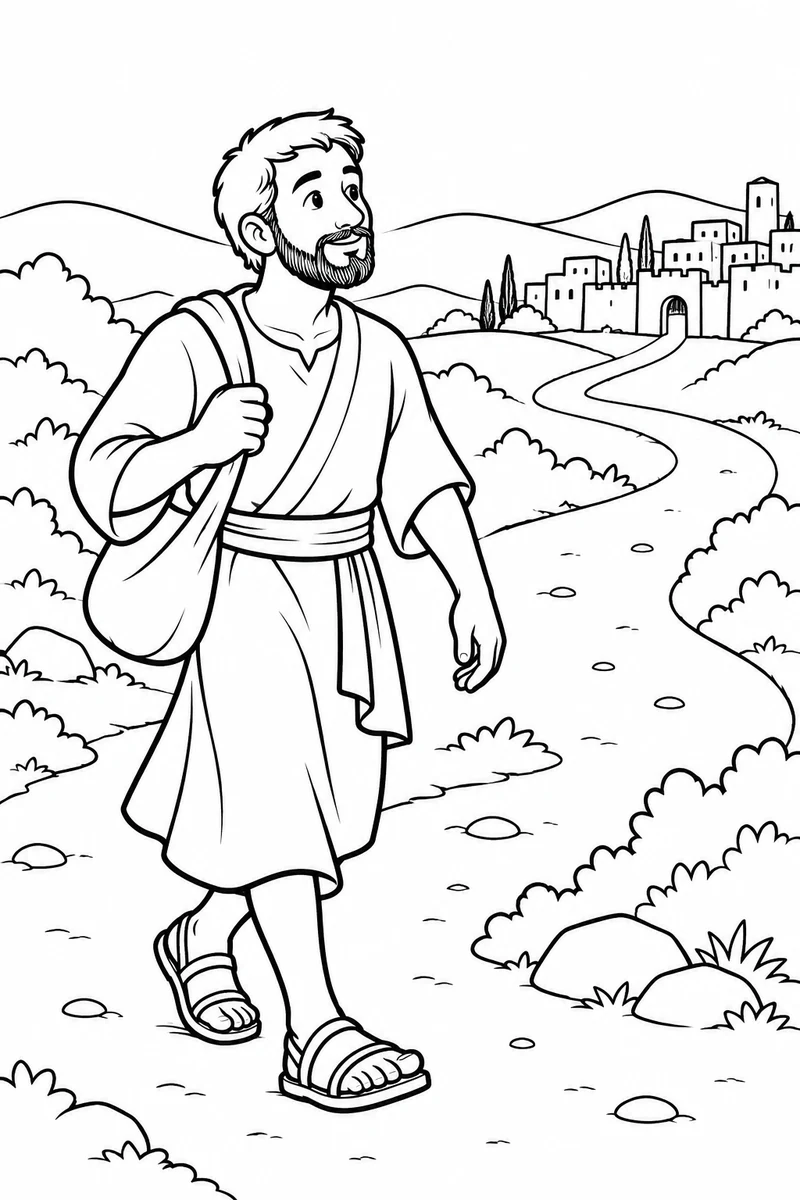
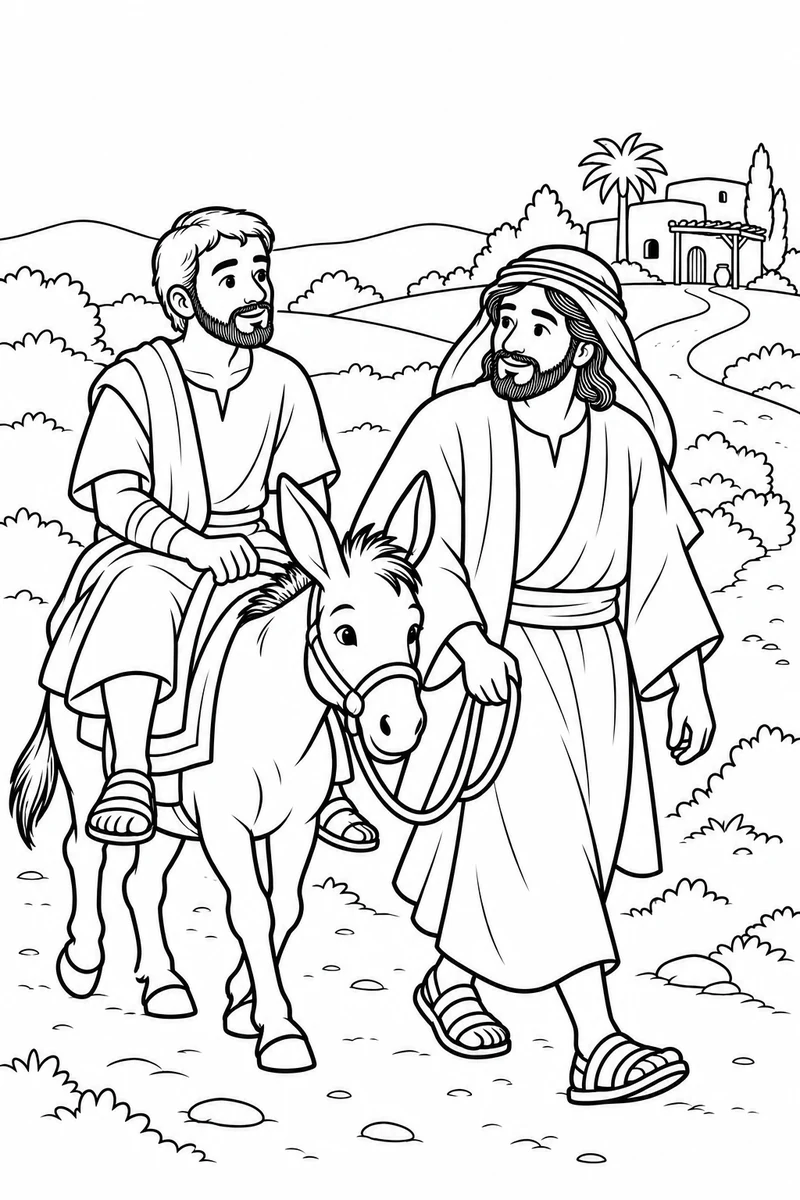
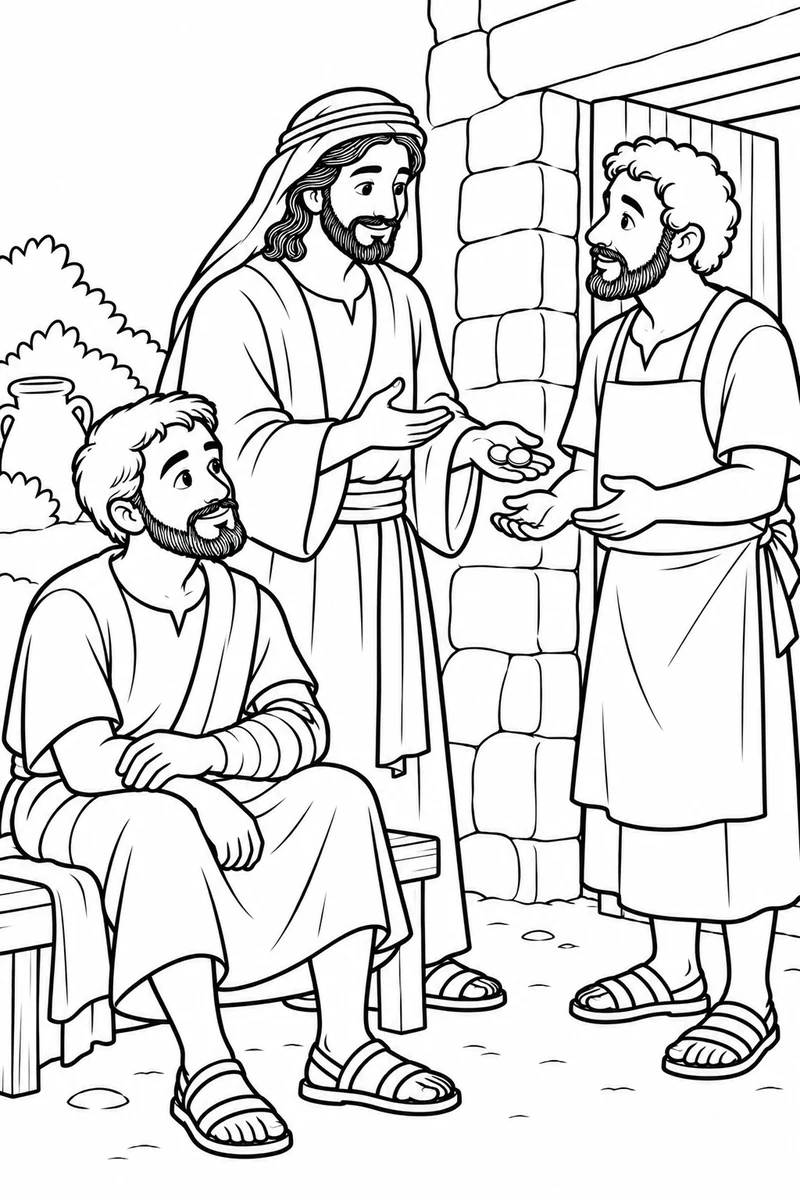
Explore the Good Samaritan through kind, gentle scenes from Jesus’ parable. The collection follows Luke 10:25–37 and focuses on noticing someone in need and choosing to help. Read the story together before coloring, then talk about a small act of care your family can practise.
ZIP · 414 KB · 6 PDFs + collection PDF
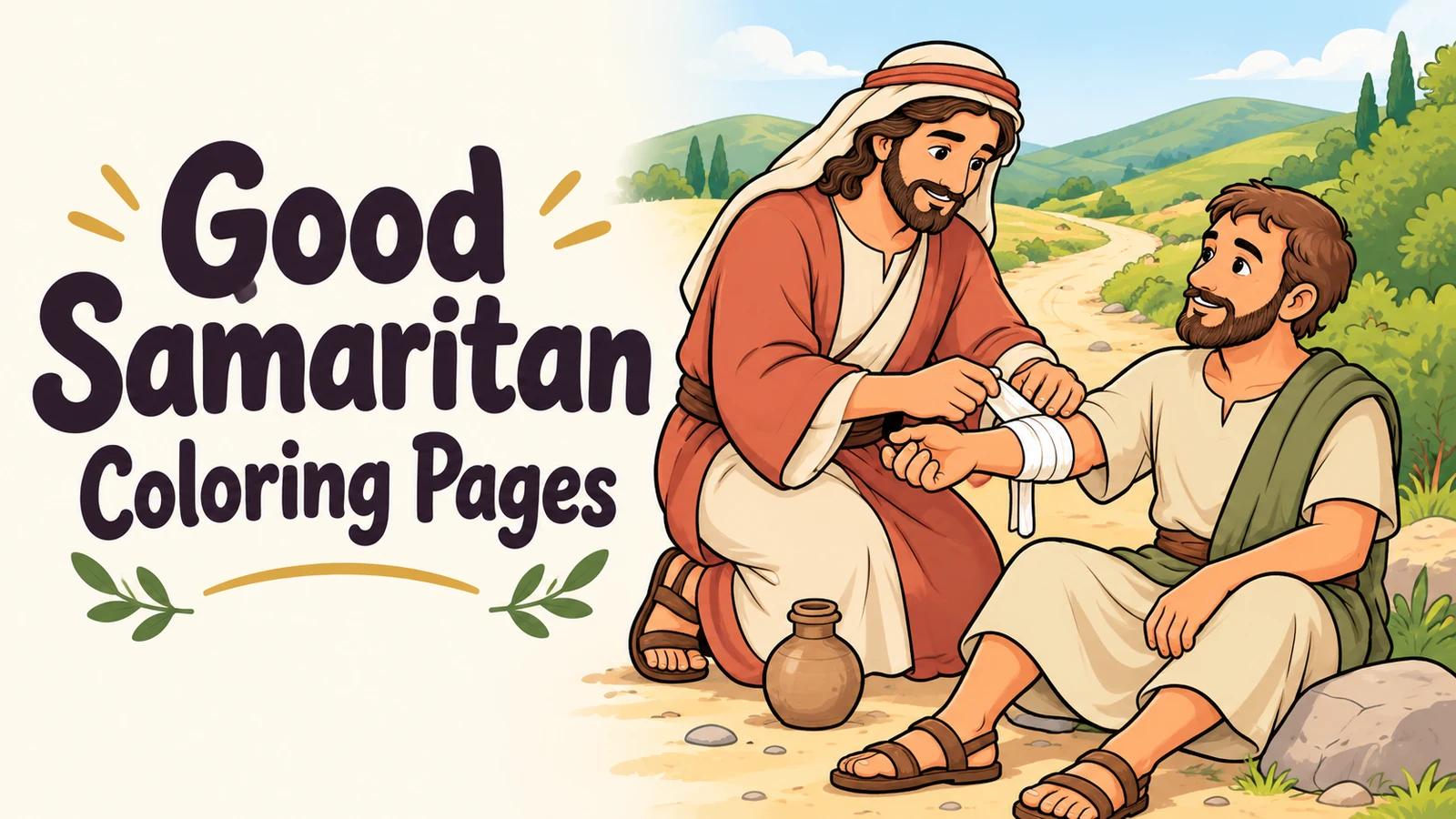 Choose a scene. Make it your own.
- In the collection
- 6 coloring designs
- File types
- 6 PDFs
- Original PDF sizes
- A4
- Ready when you are
- Free to download
Find a favorite
How to print ↓Pick a coloring page
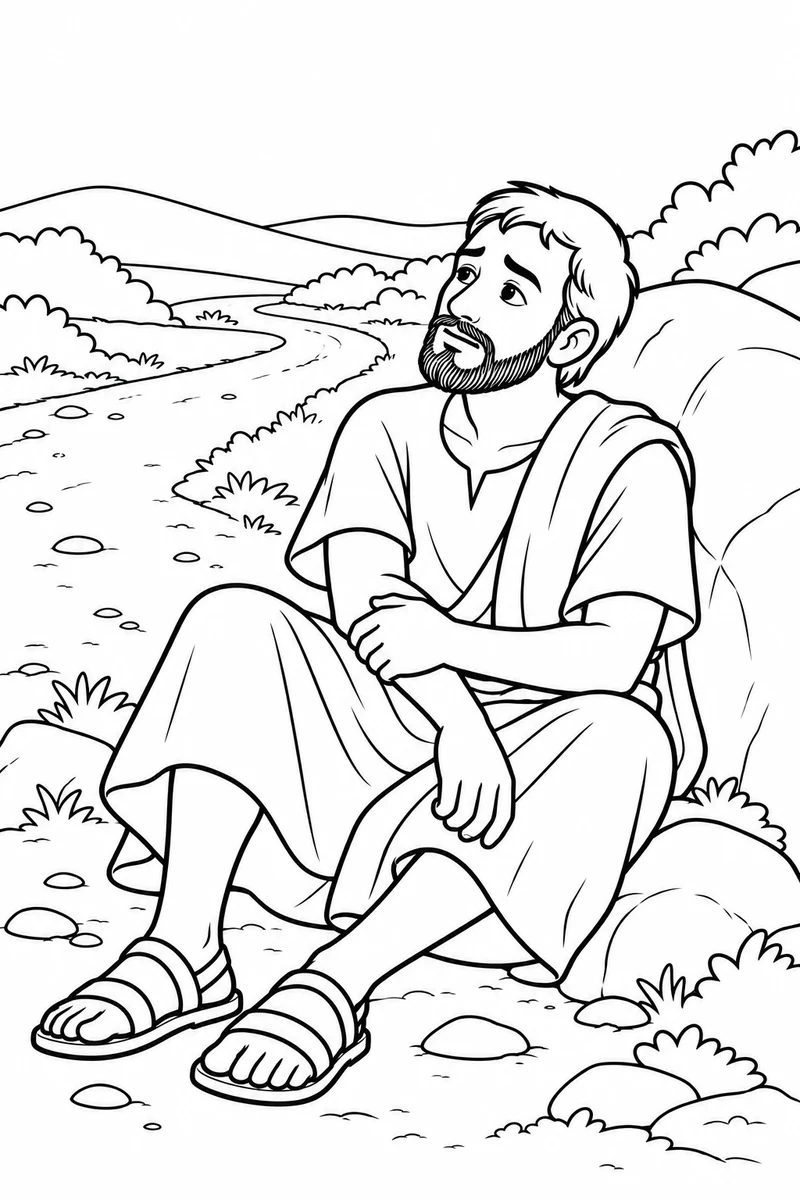
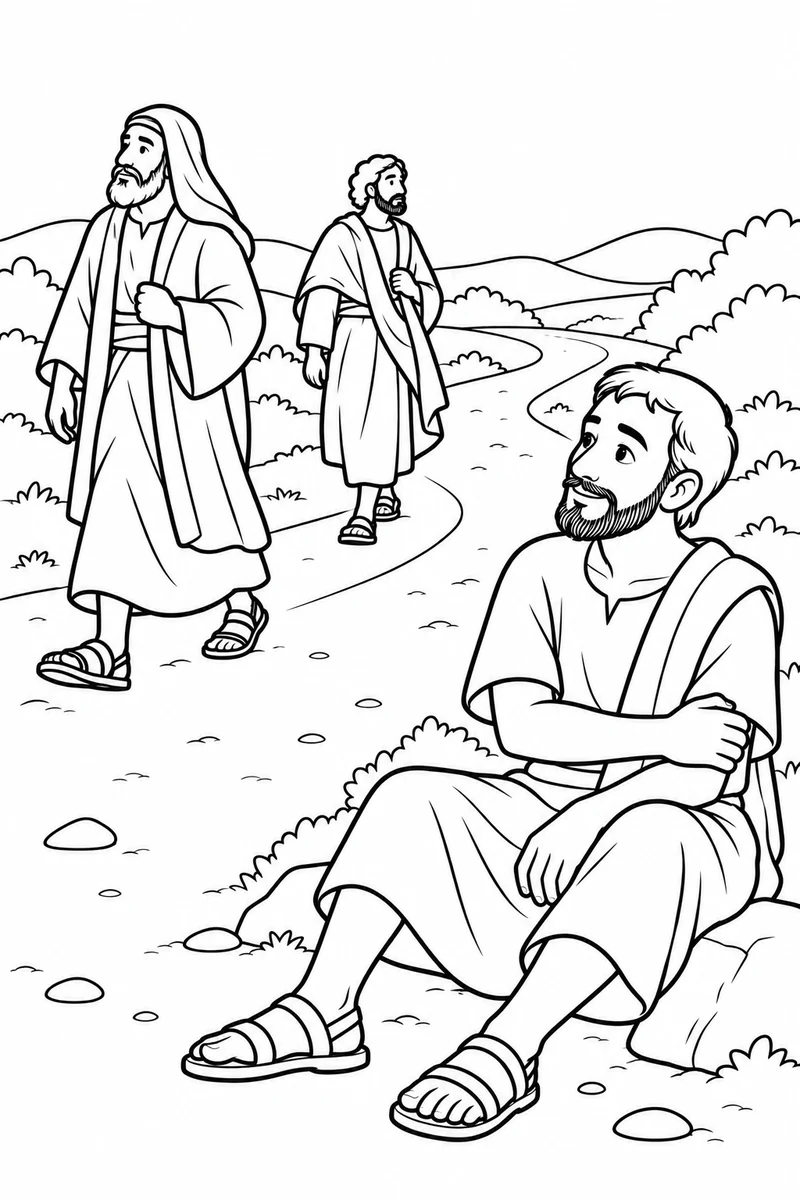
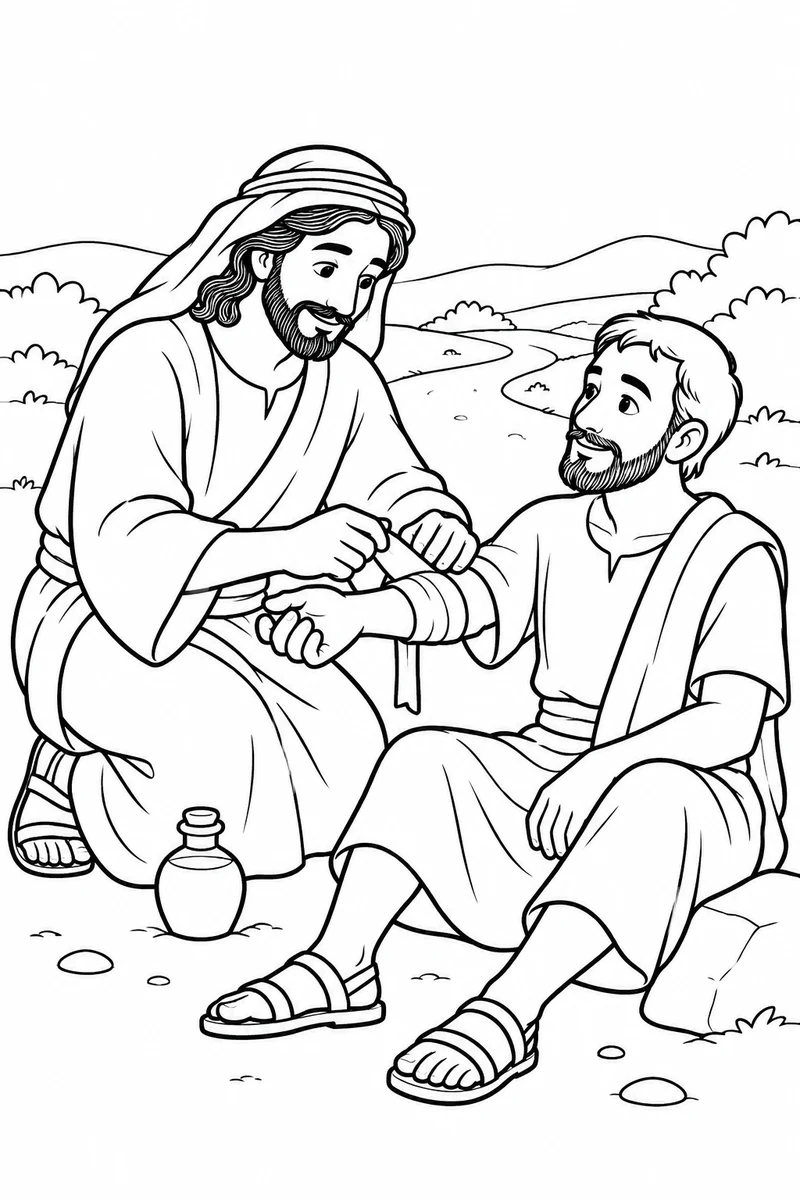
Download one design or collect them all. “Open to print” opens the file in a new tab, where you can use your browser or PDF viewer’s print button.
From screen to coloring table
Print, color, and enjoy.
Original PDF sizes: A4. Choose your paper size and use “Fit to page” when needed.
- Choose your designDownload an individual file, or download the ZIP and extract the collection first.
- Open and printOpen the downloaded file, then choose Print in your browser or viewer.
- Fit it to your paperSelect the orientation and paper size that suit the design, then “Fit to page.” Check the preview before printing.
About these coloring pages
Read and color together
These coloring designs are for children and families to share while reading Luke 10:25-37. These gentle scenes focus on the traveller’s need and the Samaritan’s care. They omit the violent attack. The two passers-by represent separate moments in the parable.
Talk about the pictures
Which practical things did the Samaritan do to help? Younger children can choose one scene, while older children may enjoy retelling the story with several pictures.
For the fuller story, visit our related Bible story article.
A few helpful answers
Can I download just one coloring page?
Yes. Each design has its own download link. The ZIP lets you save the collection at once.
Which file formats are included?
This collection contains 6 PDFs. Each download button shows the file type.
Which paper size should I use?
The original PDFs use A4. Choose the paper size in your printer and check “Fit to page” and the print preview.