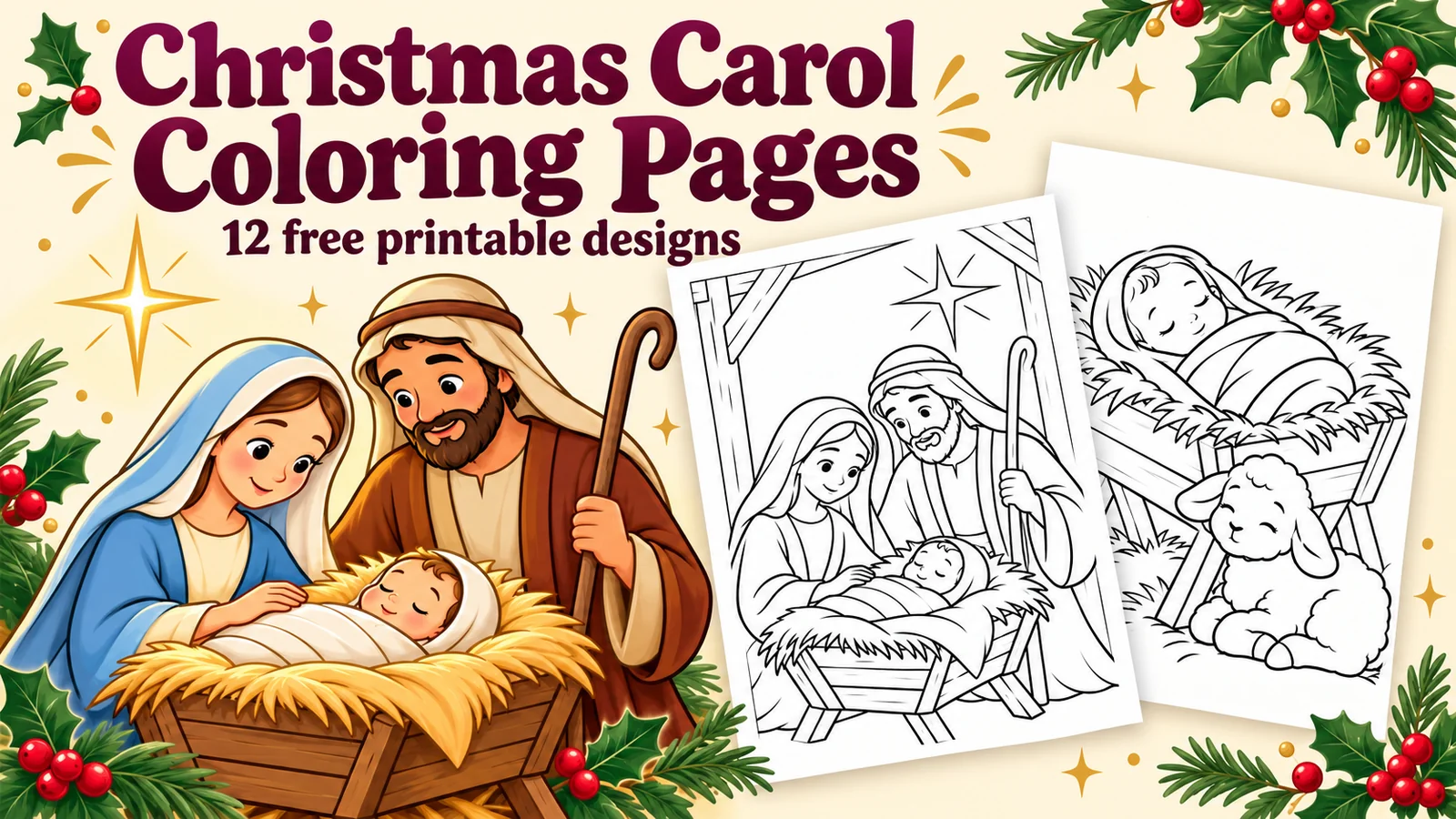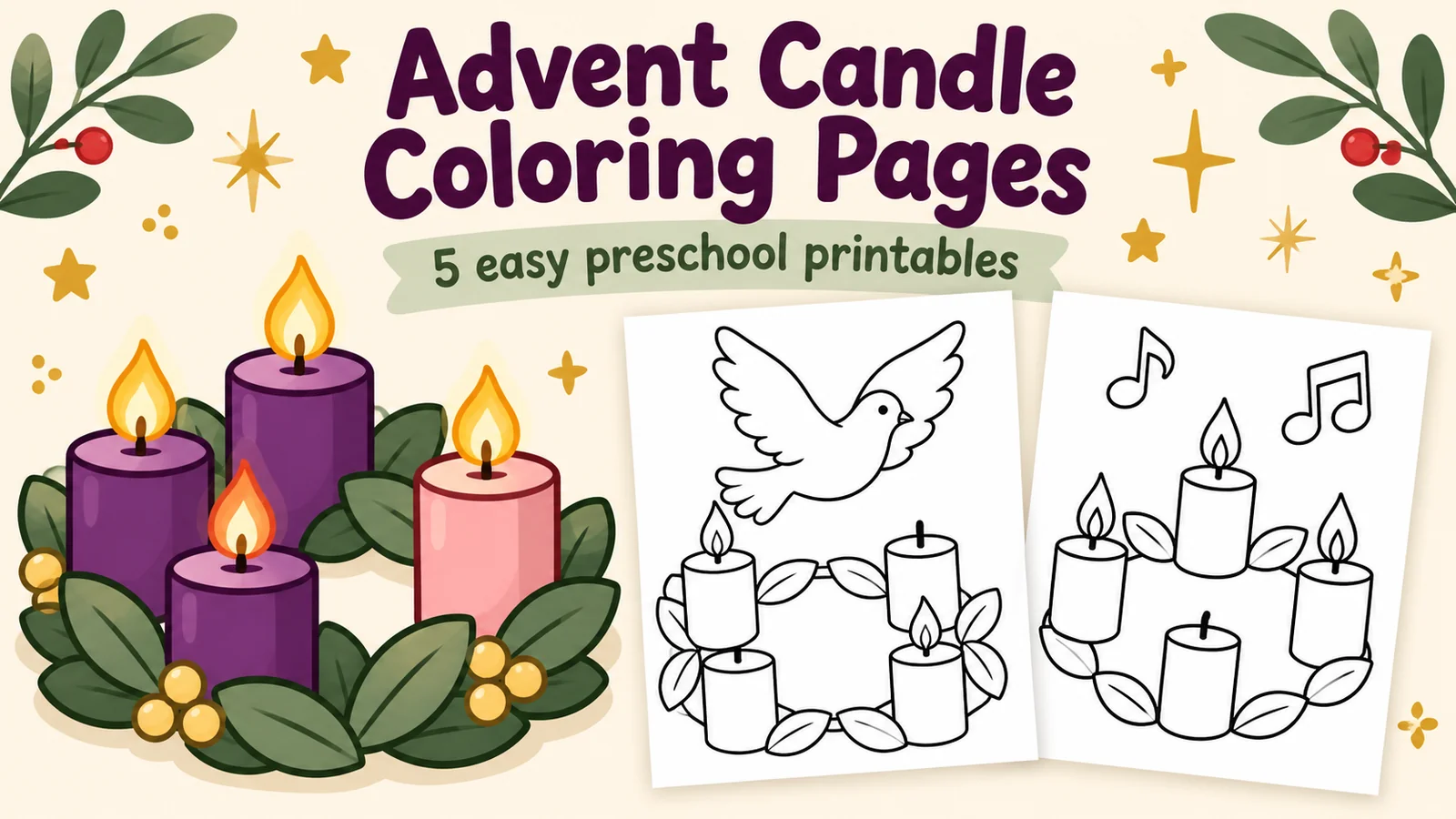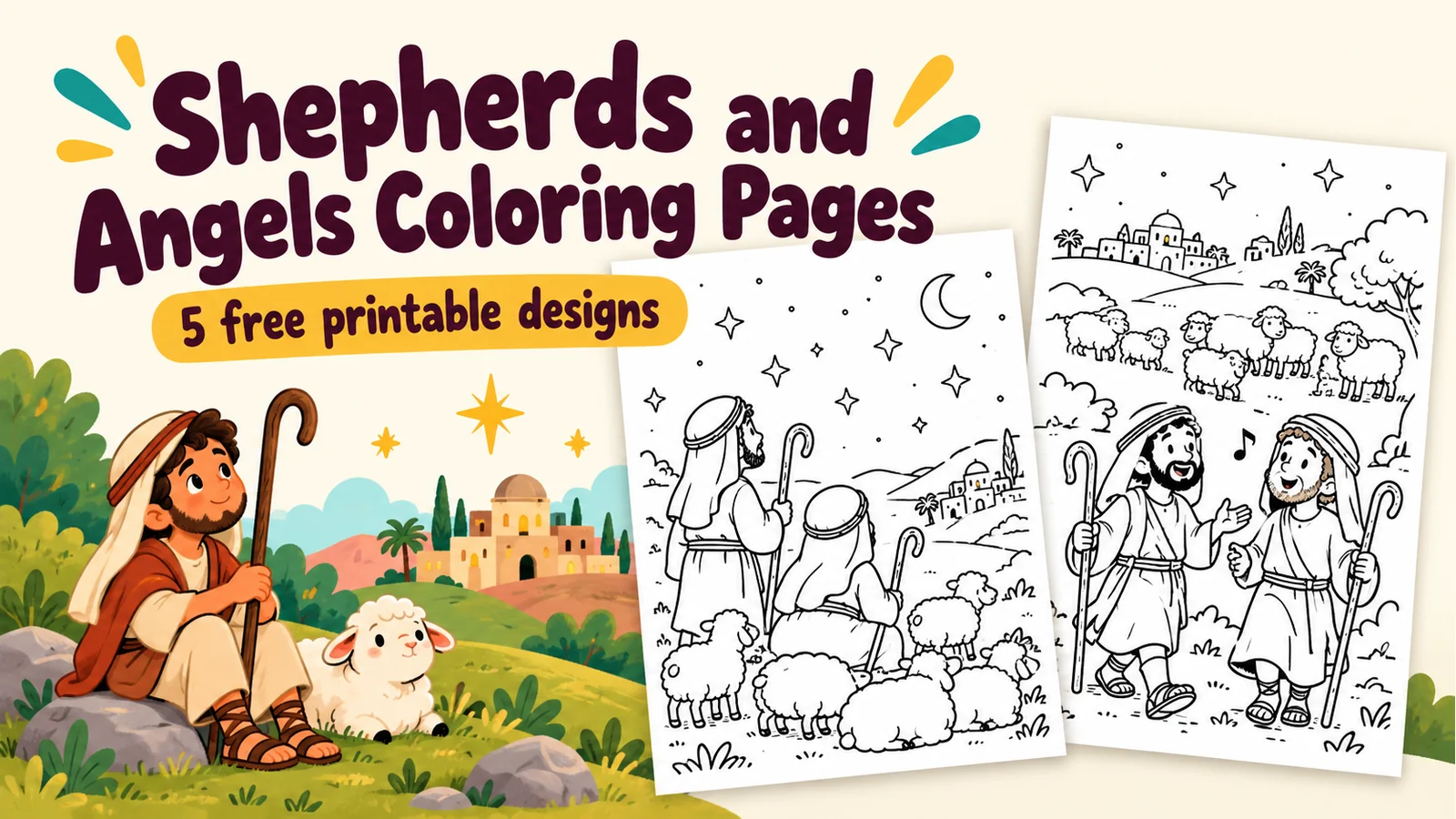
Christmas Stocking Coloring Pages for Kids
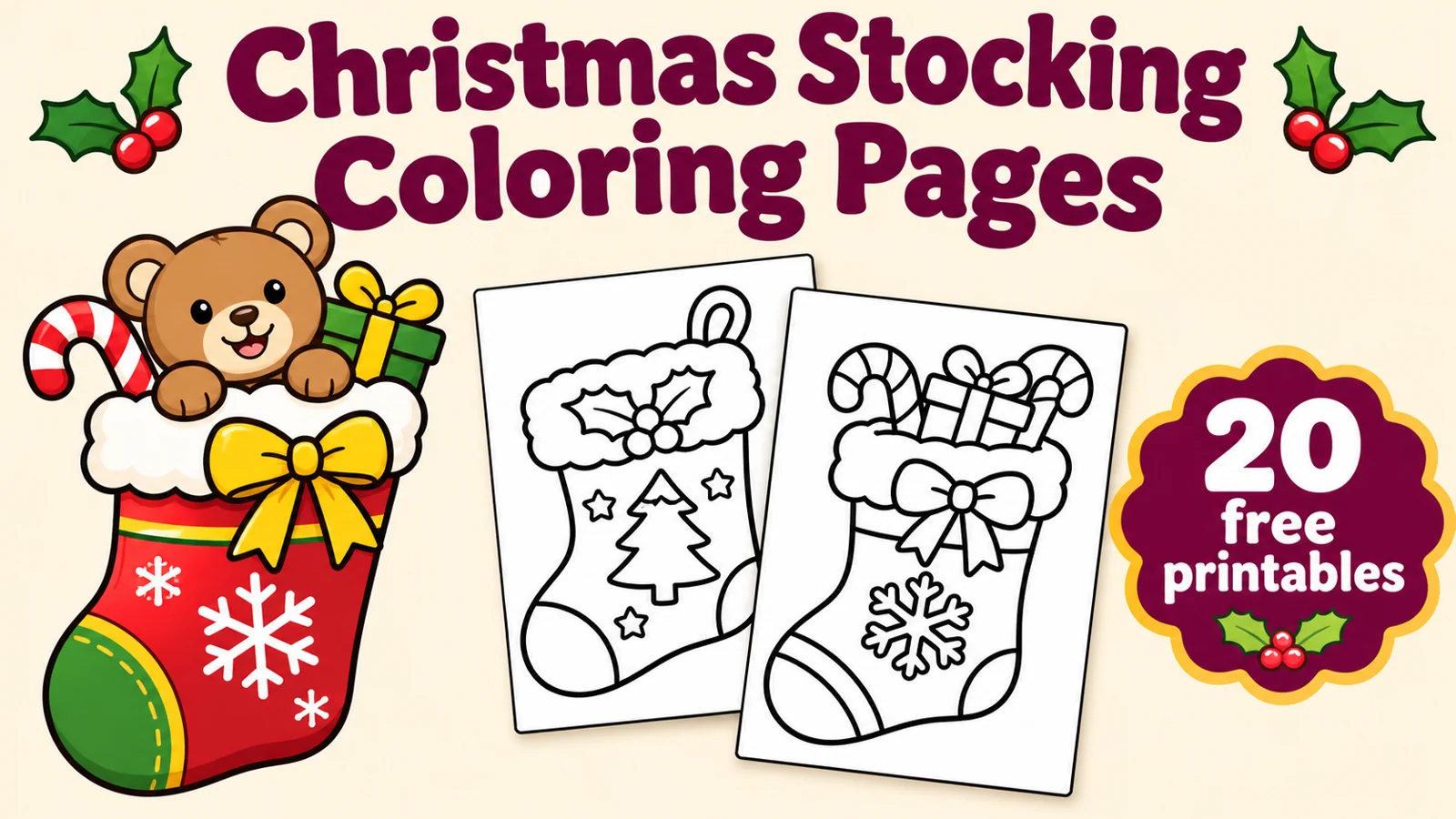
Choose from 20 free Christmas stocking coloring pages for kids, including cute animals, gifts, simple patterns and a blank stocking to decorate. Download individual A4 PDFs or the complete collection.
Choose a favorite stocking below, or download all 20 designs. Use crayons or colored pencils to add your own Christmas colors.
20 printables557 KB ZIPA4Free to download
 Choose a scene. Make it your own.
Pick a coloring page
Download one design or collect them all. “Open to print” opens the file in a new tab, where you can use your browser or PDF viewer’s print button.
 01
Classic star stocking
Color the large stars and folded cuff.
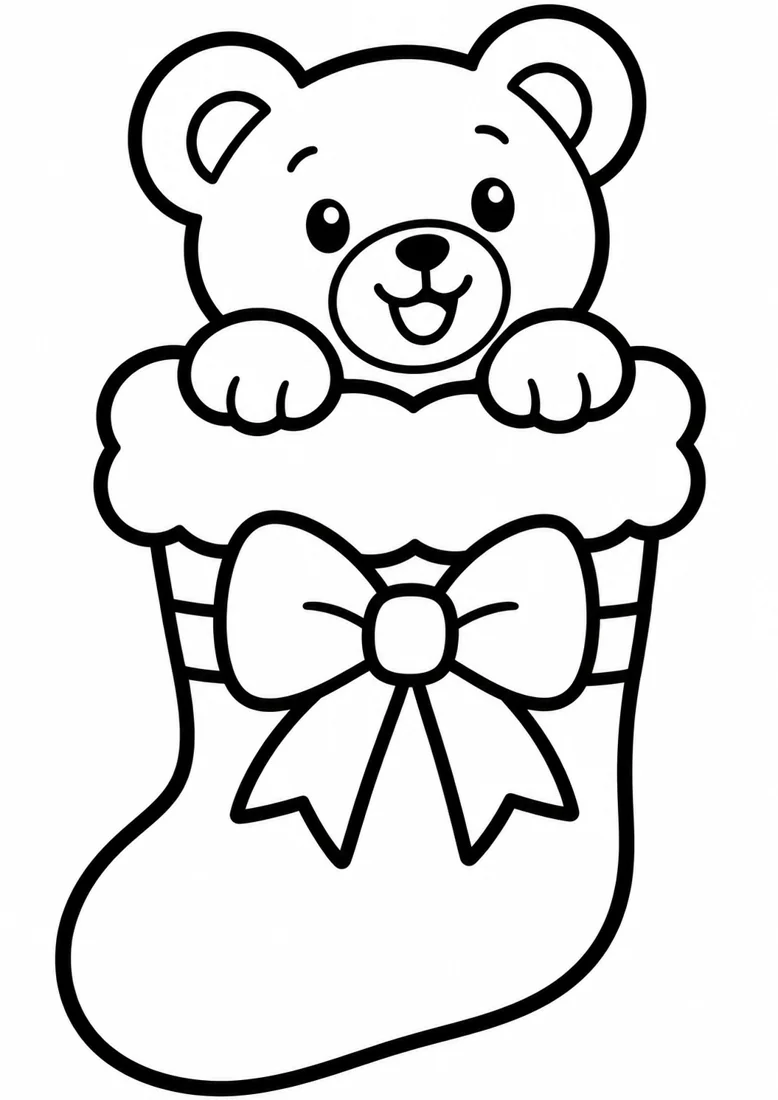 02
 03
Puppy stocking
A puppy peeks out of a stocking with paw prints.
 04
Kitten stocking
A kitten and big hearts make a playful Christmas design.
 05
Stocking full of gifts
Choose colors for the wrapped gifts and ribbons.
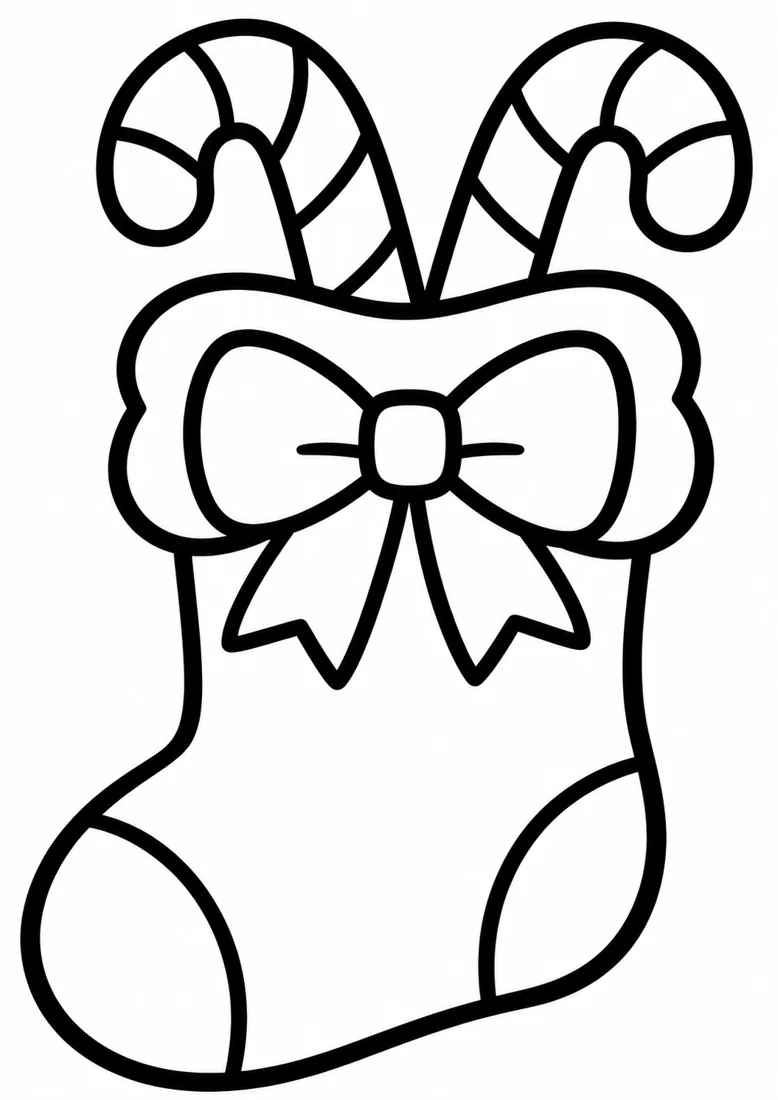 06
 07
Christmas tree stocking
Decorate the little tree and baubles on this stocking.
 08
Striped stocking
Try alternating colors on the broad stripes.
 09
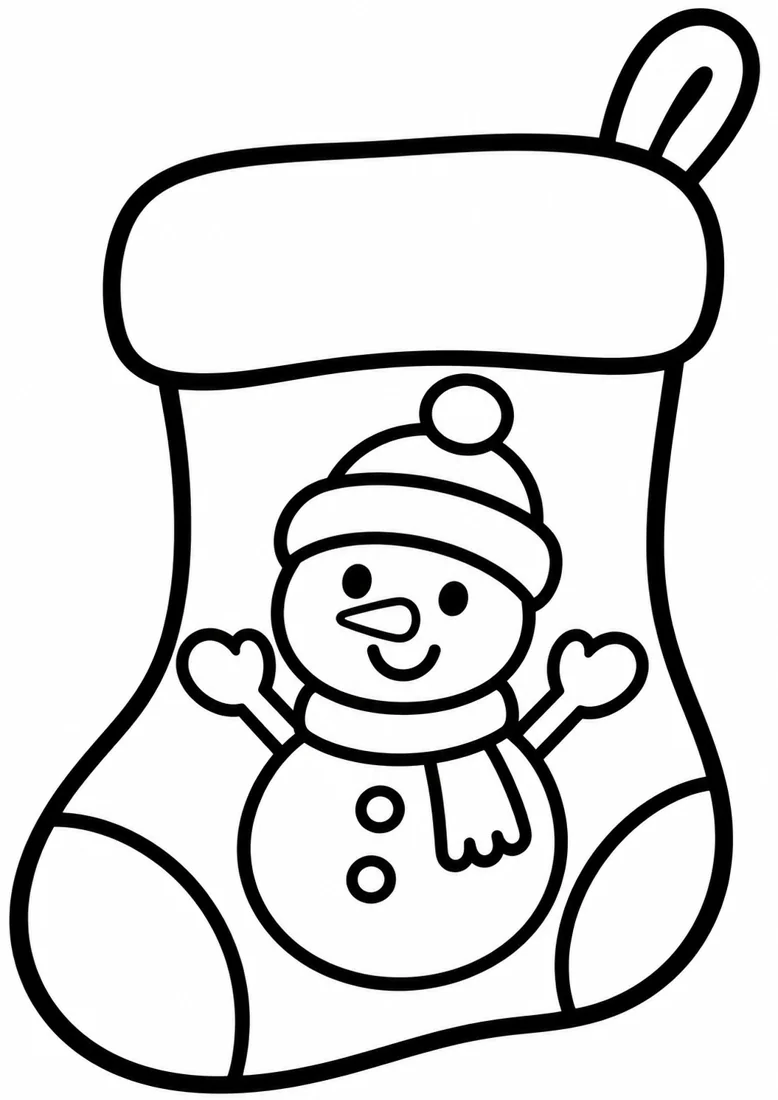 10
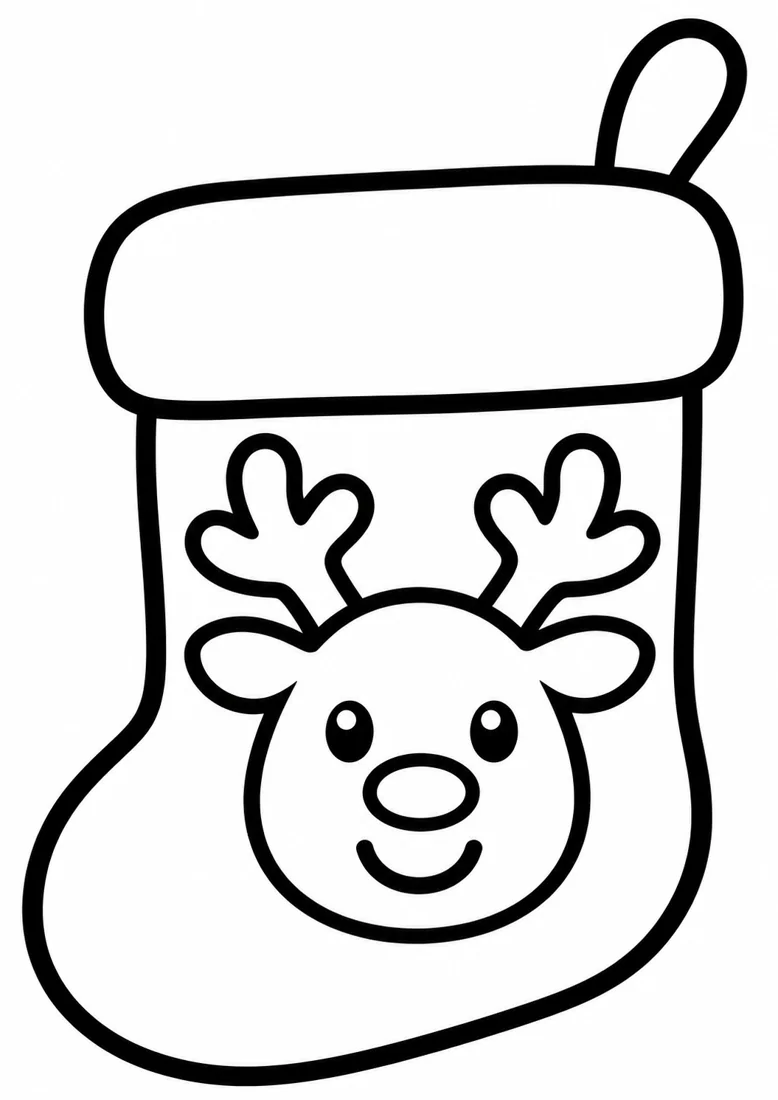 11
Reindeer stocking
Choose colors for the reindeer face and cuff.
 12
Gingerbread stocking
Decorate the gingerbread motif with your favorite colors.
 13
 14
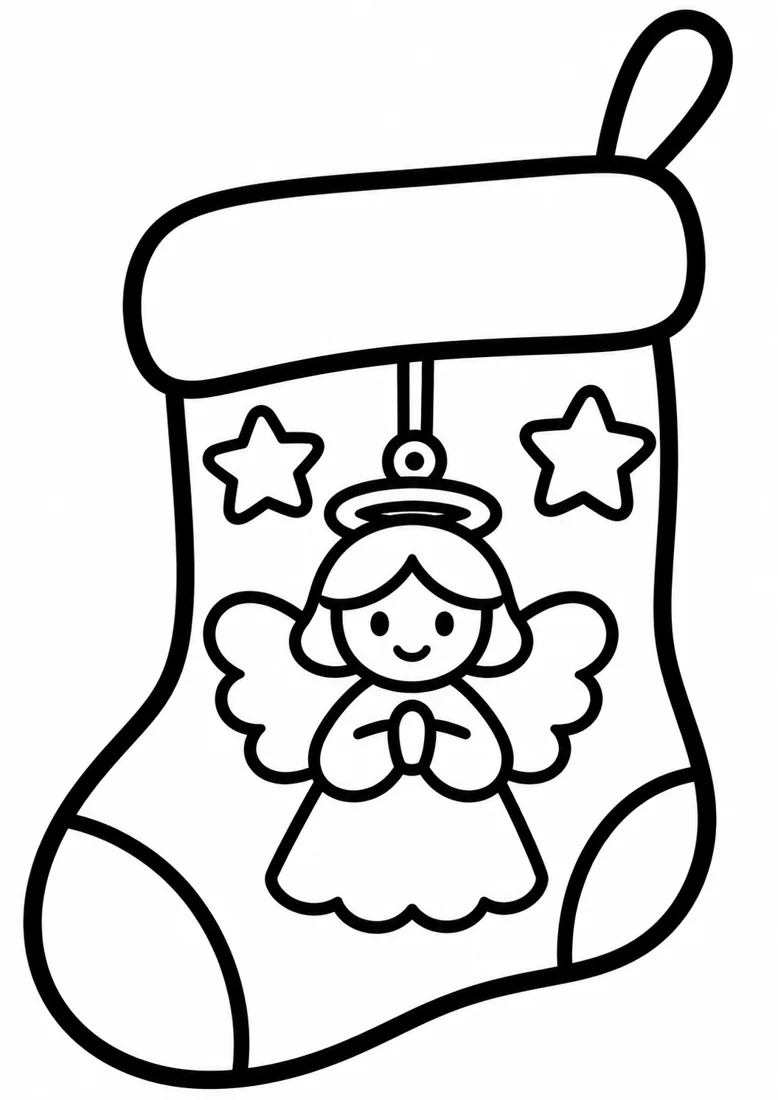
Angel stocking
An angel ornament and stars decorate this stocking.
 15
Bethlehem star stocking
A star and manger motif decorate this Christmas stocking.
 16
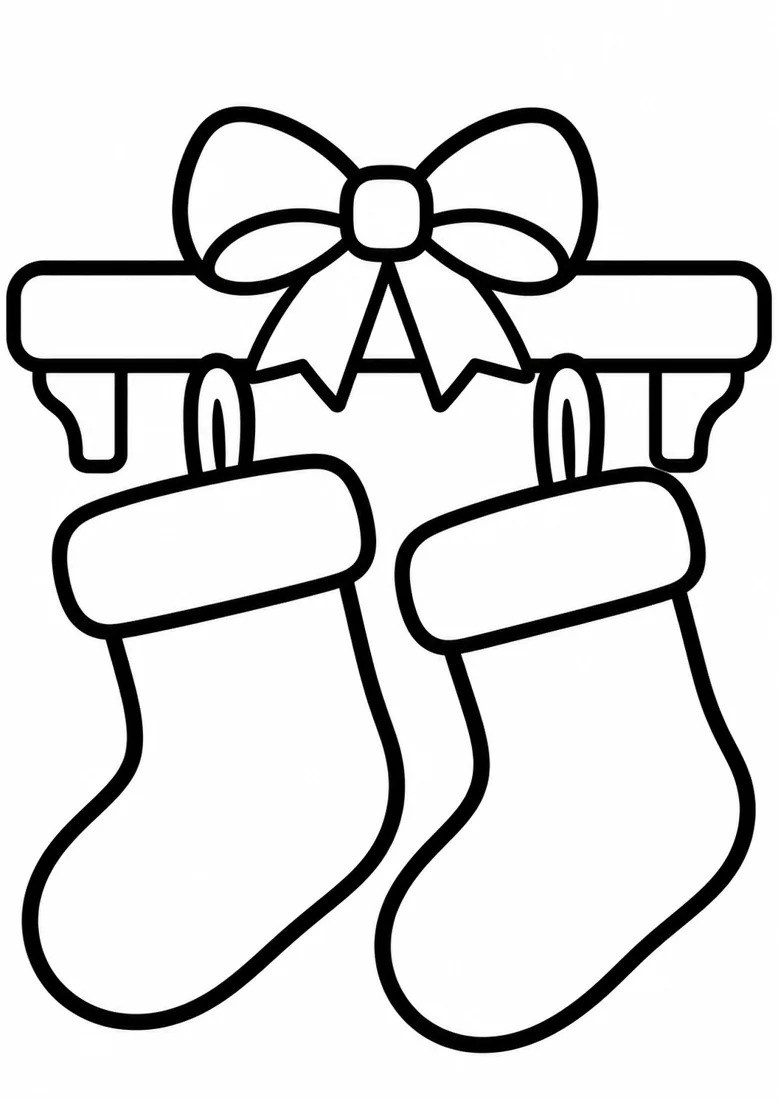
Stockings on the mantel
Color the two stockings and the simple mantel.
 17
Ready to decorate
A child holds a stocking ready for decorating.
 18
Toy surprise stocking
Find the toy train, ball and wrapped gift.
 19
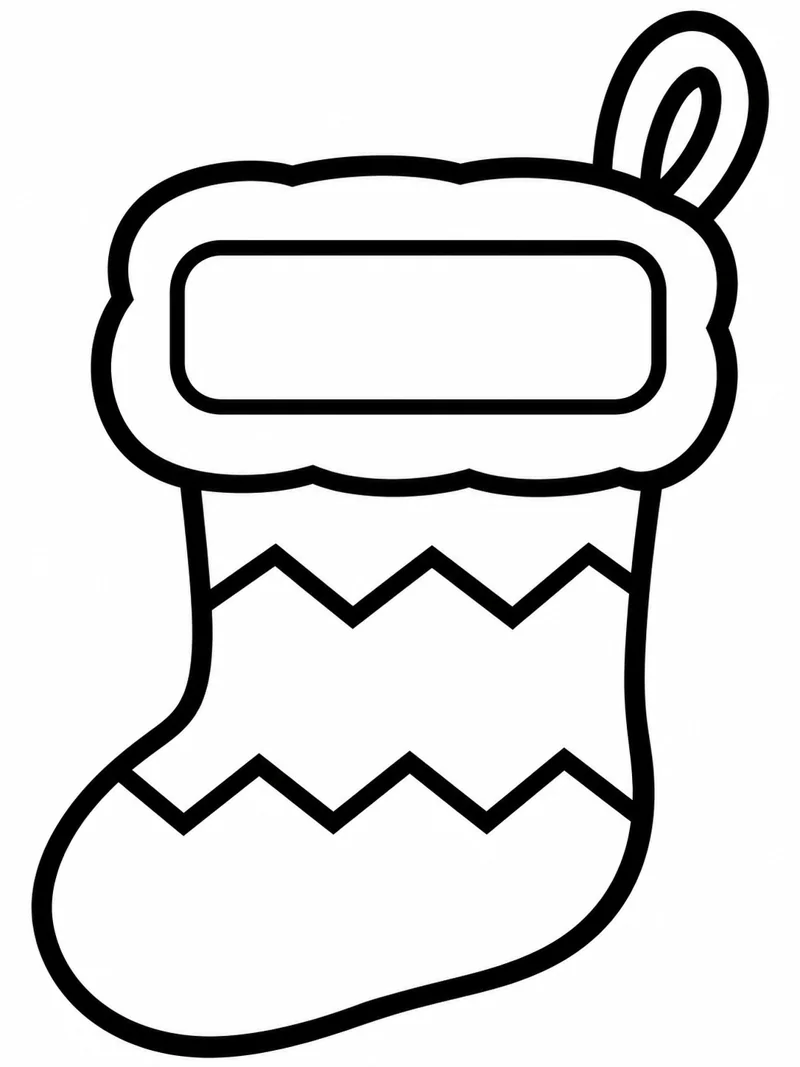
Zigzag stocking
Color the zigzag bands and add a name to the blank label.
 20
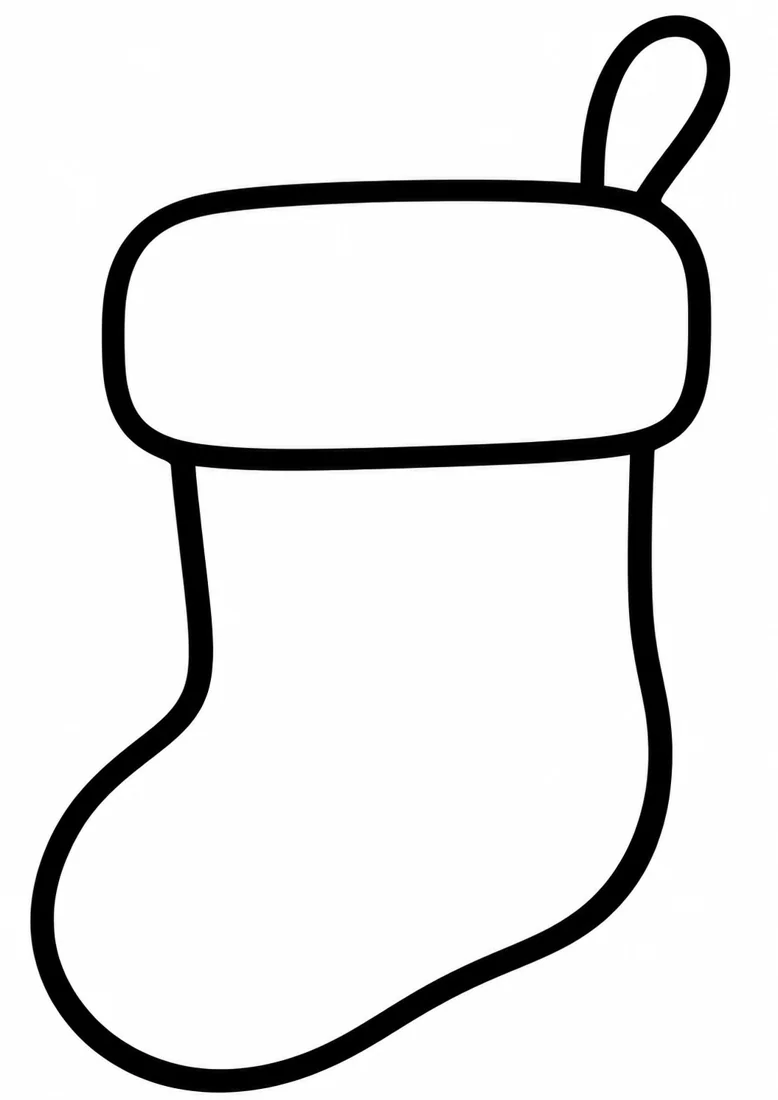
Design your own stocking
Draw your own patterns on this blank stocking outline.
Print, color, and enjoy.
PDF paper size: A4. Use “Fit to page” when printing on a different size.
- Choose your designDownload an individual file, or download the ZIP and extract the collection first.
- Open and printOpen the downloaded file, then choose Print in your browser or viewer.
- Fit it to your paperSelect the orientation and paper size that suit the design, then “Fit to page.” Check the preview before printing.